
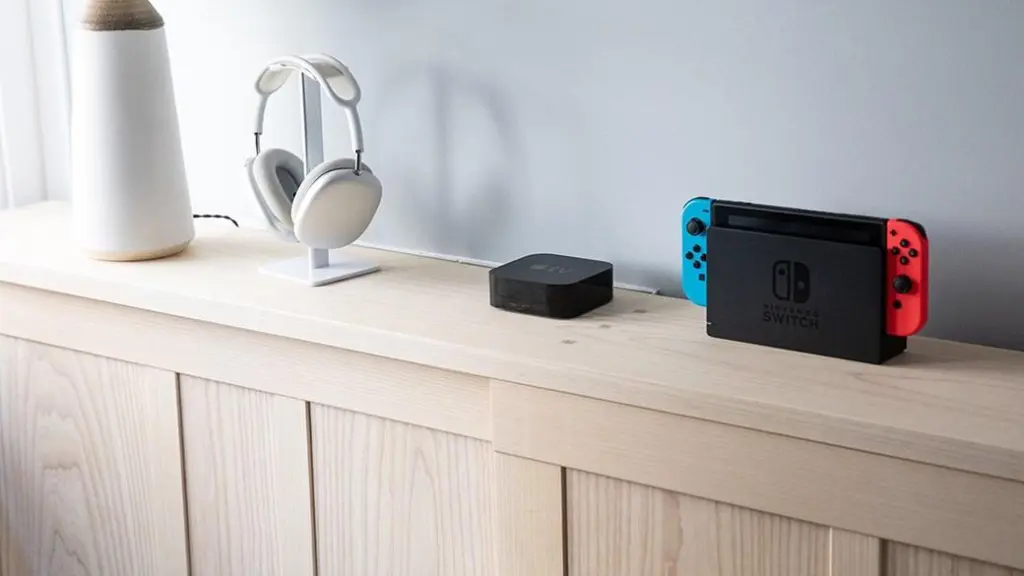
What you need for Nintendo Switch Sports
The Nintendo Switch is a gaming console that can host many games across different categories and difficulty levels. One popular title is Nintendo Switch Sports, a game that has six sports in one. The game can be played locally or online by one to four players, making it fun for friends and family members.
Read more Florida legislature expected to approve budget Friday, and then DeSantis plans to cut it
What is Nintendo Switch Sports
Considered the spiritual successor to 2006’s popular Wii Sports, Nintendo Switch Sports launched in April 2022. It takes advantage of motion control to get a player moving around physically and is designed so people can play with others either in person or online. Similar to Wii games, it also has the option for players to customize their character and screen name.
Some of the games, such as volleyball, bowling and tennis, require three to four players. But with one or two players, you have access to the following games:
- Soccer
- Badminton
- Tennis
- Volleyball
- Bowling
- Chambara
- Basketball
- Golf
Most of these sports are straightforward and play similarly to their real-life counterparts. One lesser-known game is chambara, which is a Japanese sport that’s a cross between jousting and fencing.
Gaming console and equipment
Switch Dock
When you purchase a basic Nintendo Switch, you receive a Switch Dock. This lightweight device lets you connect the console to a television so you can play video games on the big screen. Since Nintendo Switch Sports is both a party game and designed to encourage physical activity, it’s more playable and fun when displayed in this way.
The Dock comes with an HDMI port that can be connected to a television with an HDMI cable, which the standard bundle for the Nintendo Switch also comes with. However, if you want a shorter or longer cord, or if something happens to the original one, you need to get a separate cable. Once you have it, simply connect the cable to the ports on the Dock and the television and play.
Joy-Cons
Several items come with the standard Nintendo Switch console bundle, including two basic Joy-Cons. These small controllers can be connected on the left and right sides of the console, as well as used separately when the console is docked in the Switch Dock.
The Joy-Con controllers come with motion control. Not every Nintendo Switch game requires this, but it’s essential for Nintendo Switch Sports. If you don’t have controllers with motion controllers, the game won’t be able to detect your movements, making the game difficult to play or even unplayable.
The standard Joy-Cons come in red and blue, but you can also buy new ones separately if you want specific colors or themes. Common options include:
- Standard gray
- Zelda blue
- Neon pink and neon green
- Pokemon yellow
- Neon orange and purple
- Luigi green
- Mario red
- Yellow and blue
- Transparent purple
Choosing controllers that match the game or your personality are a great way to add to the fun. Also, if you want to play with four people locally, you need to get additional Joy-Cons since the original package only comes with two.
Joy-Con straps
Joy-Con straps are a recommended accessory for those playing active games such as Nintendo Switch Sports. When you’re using the Joy-Cons separately from the console, you can connect straps to each controller. This makes it easier to press the SL and the SR buttons while keeping them from flying out of your hands while playing.
Another useful accessory is the Nintendo Leg Strap. This connects around the player’s leg and can hold either the left or right Joy-Con controller to detect leg movements. This is helpful when playing Soccer Shoot-Out! on Nintendo Switch Sports.
Nintendo Switch case
A Nintendo Switch case is another useful accessory. Not only is it designed to protect the console, but it can also add to the entertainment value by adding a specific color or theme while playing.
Read more Buddhist group’s Everglades case against Army Corps set aside by federal judge
Multiplayer subscription
Nintendo has a subscription service, Switch Online, that gives you access to different games and features. With it, you can play certain games online with other people. Although it’s not required for local gameplay, you need a subscription to play Nintendo Switch Sports online with other people.
Once you have a subscription, you can set up a room for other people with the code to play the game. Or you can join an existing room that someone else has made. Alternatively, you can choose to play with anyone without being invited. If you have a subscription and play online, you can also earn items to customize your in-game avatar.
Nintendo offers memberships ranging from one to 12 months. It also has options that give you access to other games. There are also family membership options at a discount.
The best things you need to enjoy Nintendo Switch Sports
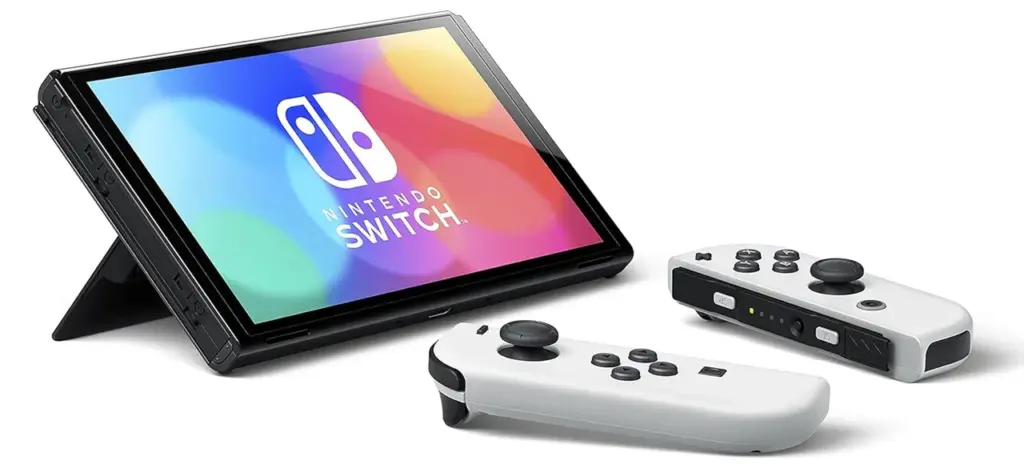
Nintendo Switch — OLED Model With White Joy-Con
This is the seven-inch OLED version of the Nintendo Switch Console. It comes with 64 GB of internal storage, the white Nintendo Dock and two white Joy-Con controllers and straps. The screen can be converted into tabletop mode by flipping the back side, which is ideal for those who prefer smaller displays. The crisp display and large storage space are the two biggest upgrades over the original Switch console.
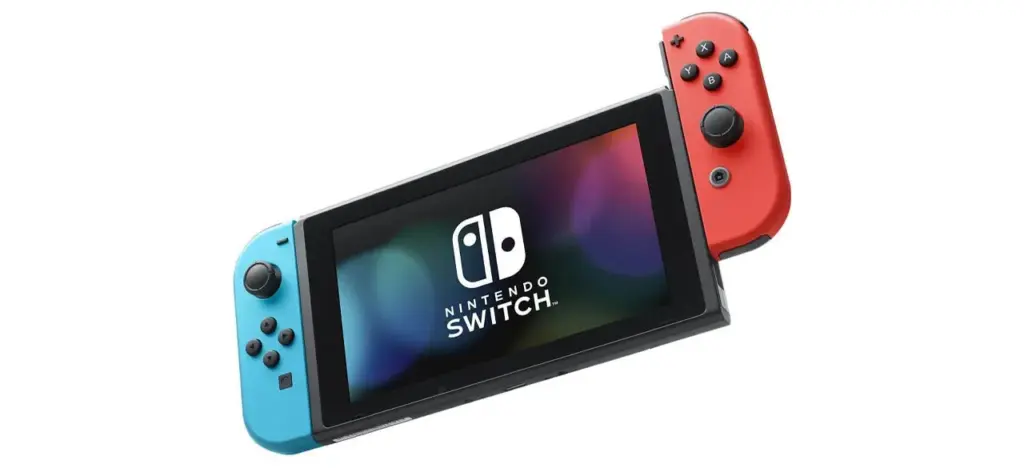
Nintendo Switch With Neon Blue And Neon Red Joy‑Con
If you want a basic Nintendo Switch Console with a Dock and two Joy-Con controllers, this one is for you. It comes with four color options and either 64, 128 or 256 GB memory.
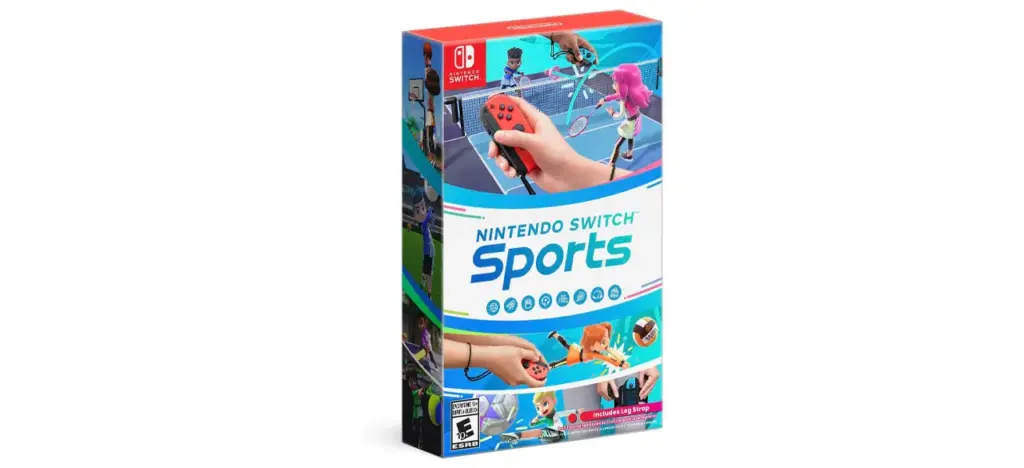
Nintendo Switch Sports (Nintendo Switch)
This video game has eight interactive games to choose from, including bowling, tennis and football, making it perfect for enjoying an afternoon with friends either locally or online.
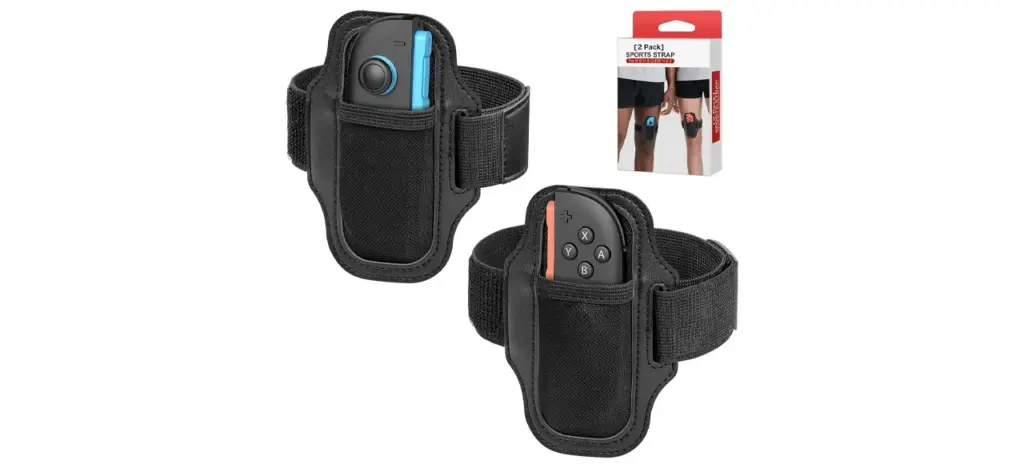
Two-Pack Leg Strap Compatible With Nintendo Switch Sports
These leg straps are designed to be used with the Nintendo Switch Sports game, specifically for soccer. Each strap can hold one Joy-Con controller. They also have Velcro that’s easily adjustable to fit around most leg sizes.
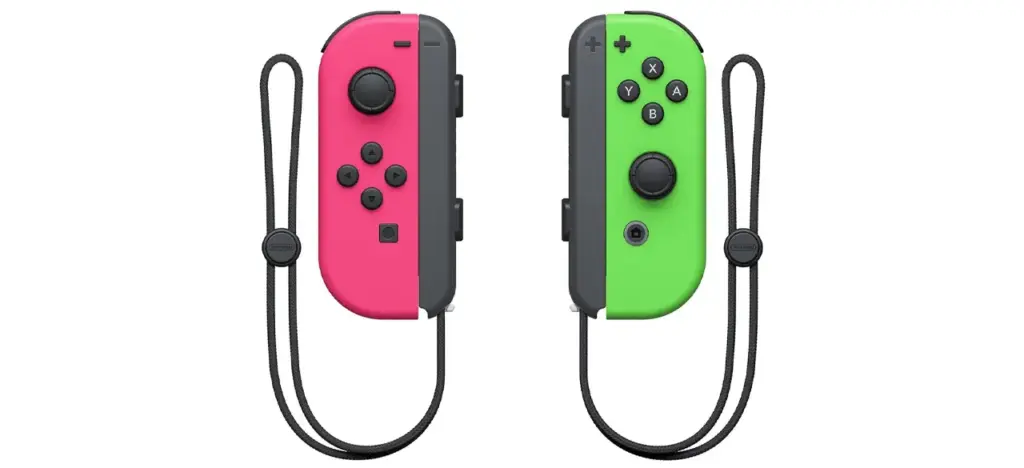
Nintendo Joy-Con
This pack includes two Joy-Cons, the left and the right, with seven color options, including neon pink and neon green. They can be used on their own or connected to the console. They come with a gyro-sensor and an accelerometer, making them perfect for Nintendo Switch Sports. They also come with Joy-Con grips, so it’s easy to secure them to your wrists.
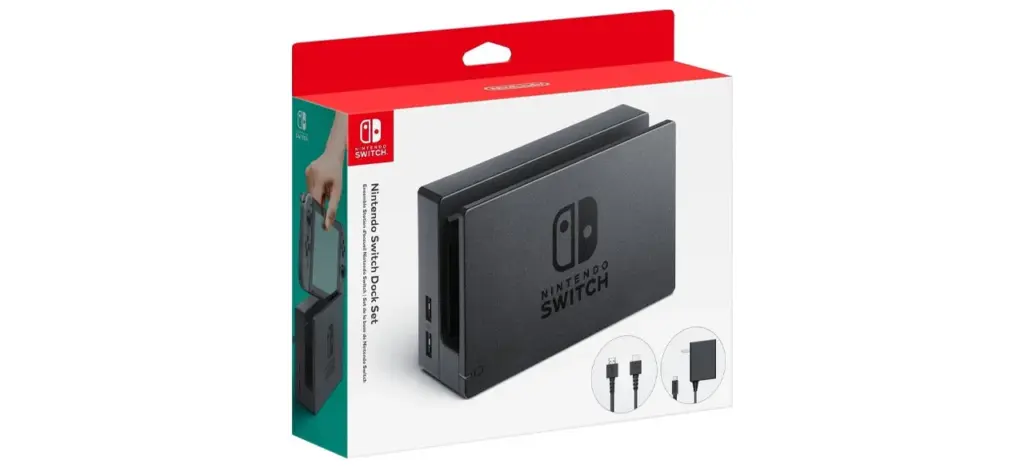
Nintendo Switch Dock Set
This separate Nintendo Switch Dock is the perfect replacement for anyone whose original Dock was broken or lost. It can take compatible games and display them on the big screen. It comes with an HDMI cable.
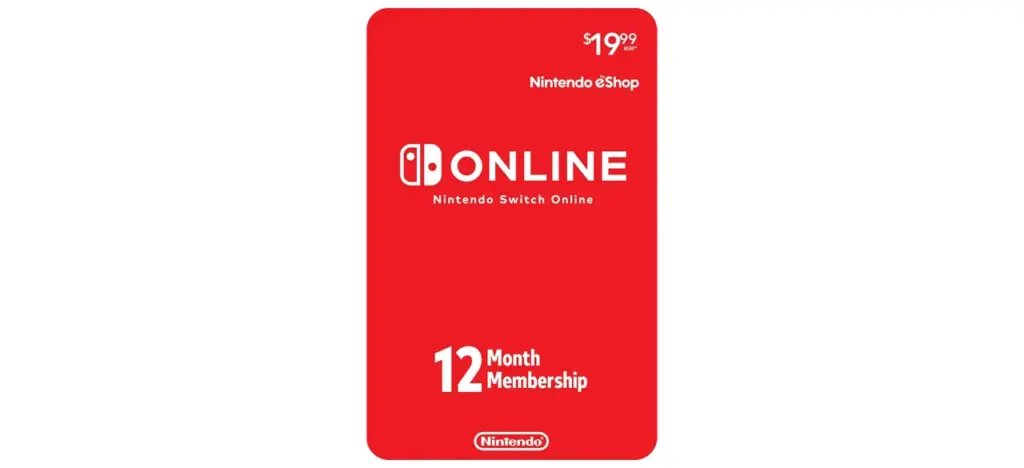
Nintendo Switch Online 12-Month Individual Membership
This digital code gives you a yearlong online membership so you can play video games with other players remotely through an internet connection. It also gives you access to many classic games from the Nintendo Entertainment System and the Super Nintendo Entertainment System.
Prices listed reflect time and date of publication and are subject to change.
Check out our Daily Deals for the best products at the best prices and sign up here to receive the BestReviews weekly newsletter full of shopping inspo and sales.
BestReviews spends thousands of hours researching, analyzing and testing products to recommend the best picks for most consumers. BestReviews and its newspaper partners may earn a commission if you purchase a product through one of our links.
Read more Gatorland opens Guzzlin’ Gator, adds Crooked Can beer collaboration
Distributed by Tribune Content Agency, LLC.
Share this:
Share on Facebook (Opens in new window)
Facebook
Share on Bluesky (Opens in new window)
Bluesky
Share on X (Opens in new window)
X
Print (Opens in new window)
Print
Email a link to a friend (Opens in new window)
Email